Top of main content

Experience award-winning digital banking 
We're excited for you to experience an enhanced digital banking platform and mobile app.

You can now sign in here using your new login credentials.

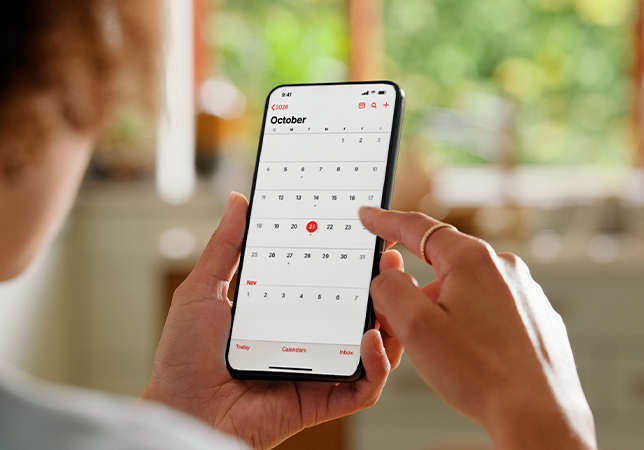
Person using a smartphone calendar app, selecting a date on the monthly calendar view.

You will need to register to access online banking

If you did not pre-register prior to November 15th, you will still need to register to access your new digital banking experience. 

If you receive an error during registration, please contact the Member Service Centre at 604.740.2662.

Sign up for your new digital banking experience before Dec 15, and you'll be automatically entered for a chance to win $2,500* 
*Full contest terms and conditions available at sunshinecoastfinancial.ca/contestrules
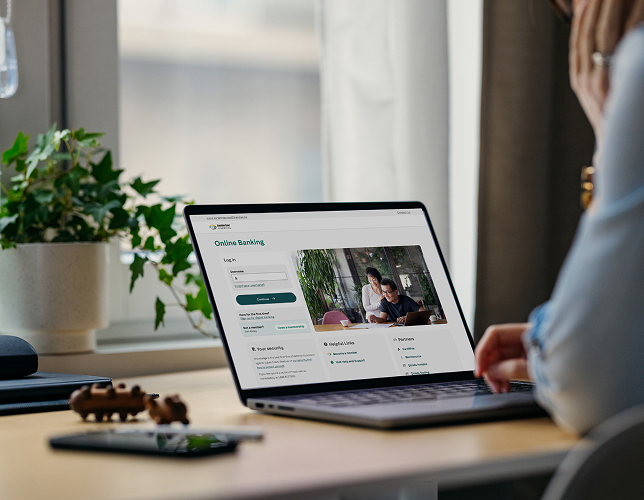
Laptop displaying the Sunshine Coast Financial online banking login page on a desk, with a person seated nearby and a plant visible in the background.

A familiar experience with new enhancements 

When you sign-in to digital banking after the transition, you'll continue to have access to the everyday banking features you rely on today. You'll also benefit from new and enhanced capabilities designed to provide a more consistent, modern banking experience. 

To learn more about the features and tools available in digital banking, explore our Digital Banking Features page. 
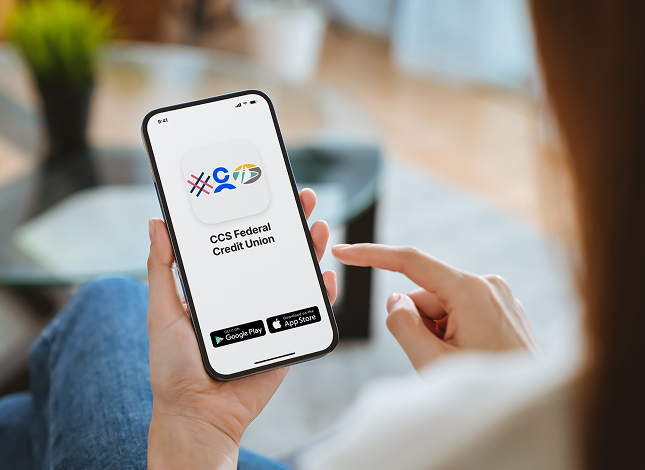
Close-up of a smartphone displaying the CCS Federal Credit Union mobile banking app, with Google Play and App Store download buttons visible on the screen.

Download our new mobile banking app

You can now download our new mobile banking app to continue banking on your mobile device. The new app provides secure access to your accounts and includes the same convenient features you're familiar with, along with new enhancements and an updated experience. 

Download the new mobile app by searching for CCS Federal Credit Union in the app store. You should always verify the name, icon and developer information when downloading a new app to your phone.  

Google Play logo AppStore logo

Frequently asked questions

Yes. If you hold a demand account at SCF, you will automatically be enrolled for Digital Banking access in the new system.

You will need to register for the new Digital Banking platform prior to accessing. 

No. If you are an existing Coast Capital member and you already have Digital Banking set up for your Coast Capital accounts, your new SCF accounts will automatically become viewable in your existing Digital Banking profile on the Transition Date.

Yes. Although statements from January 2025 onward are expected to remain available in a view-only format, they may not be available immediately after the Transition Date. Members are encouraged to download and save statements and tax slips before migration. Historical records prior to January 2025 may require staff assistance and fees may apply for retrieval.

If you hold a Sunshine Coast Financial credit card, you can access Collabria’s Cardwise Digital App, via your new SCF digital banking app, in order to view your credit cad balances and other details.

Yes. Personal members with an email address or mobile number on file will automatically receive low-balance account alerts and available-credit alerts. Alerts are free and can be modified via Digital Banking after the Transition Date. See here for guidance on how to manage alerts.

Note: Business Banking members may not automatically receive these alerts.

Statements and tax slips dated January 2025 onward will be available on a view-only basis via Digital Banking.

Historical statements and tax slips, prior to January 2025, will be available upon request. Requests for this historical information may be subject to applicable fees.

While statements and tax slips dated January 2025 onwards will become available via Digital Banking, they may not transfer right away to the new platform. If you would like to keep copies for your records, please download them before November 14.

Yes. Statements will have a different layout and format but will continue to include all key account information.

Members with multiple memberships will receive separate statements for each membership.

Members who receive semi-annual and annual statements, will receive two separate statements for 2026:

  • Sunshine Coast Financial will issue a statement for the period of Jan 1 to Nov 14, 2026
  • CCSFCU will issue a statement for the period Nov 15 to Dec 31, 2026.

Members who receive annual tax slips will receive two separate tax slips for 2026:

  • Sunshine Coast Financial will issue a tax slip for the period of Jan 1 to Nov 14, 2026
  • CCSFCU will issue a tax slip for the period Nov 15 to Dec 31, 2026.

Read more about the changes

Return to migration homepage
Accounts and services changes
Payments and transfer changes
Questions or feedback?

We're committed to supporting members throughout the transition. If you need assistance or would like to learn more, please contact us directly. If you'd like to share your merger experience, we'd love to hear from you. Your feedback helps inform how we plan and improve how we come together as one credit union. 

CDIC Deposit ProtectionCDIC Deposit Protection

Coast Capital Savings Federal Credit Union is a member of the Canada Deposit Insurance Corporation (CDIC). More CDIC information

Only deposits payable in Canada are eligible to be insured under the Canada Deposit Insurance Corporation Act.