Top of main content

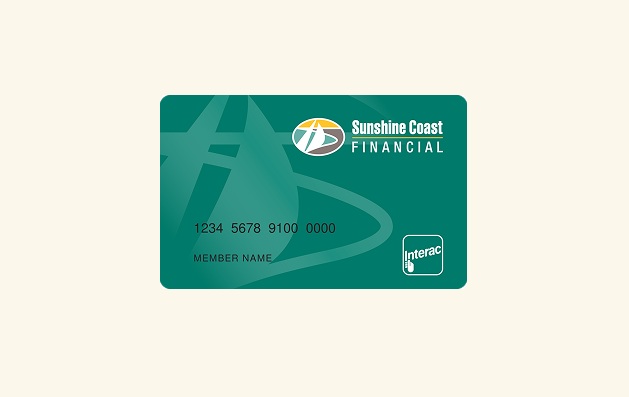
You can now use your new debit card
Close-up of a hand holding a smartphone displaying a calendar app, with another hand tapping a date in October to schedule or manage an appointment.
Received multiple debit cards?

    Here's how to learn which debit card applies to your accounts: 

    1. Sign in to digital banking from a computer or our mobile app

    2. From the menu, select Account Overview then Manage Debit Cards

    3a. In online banking: Below the image of your card, select Show accounts
    3b. In the mobile app: Select the debit card image


    Other helpful links

    Frequently asked questions

    After the Transition Date you can review your memberships, accounts and associated debit cards in Digital Banking by following these steps:

    • Select Account Overview
    • Select Manage My Debit Cards.
    • Review to see the last four digits of each debit card, the membership it belongs to, and the accounts connected to that membership.

    Yes. You'll receive a new Sunshine Coast Financial debit card before the Transition Date. You will also receive a PIN in a separate mailing.

    Members with multiple memberships may receive multiple cards.

    Once you receive your new card and PIN, you can activate your card by calling 1-866-517-7714. It is advised to activate your new card in advance of the Transition Date. Please continue to use your current card until November 14.

    New cards were mailed in late October and early November. If you haven't received your new card, please contact us so we can help. 

    Yes. The new debit cards support Apple Pay, Google Pay and Samsung Pay following migration.  

    Rush card service will no longer be offered as a standard service after migration. Limited exceptions may be available in specific circumstances.

    Read more about the changes

    Return to migration homepage
    New digital banking
features
    Accounts and services changes
    Payments and transfer changes
    Questions or feedback?

    We're committed to supporting members throughout the transition. If you need assistance or would like to learn more, please contact us directly. If you'd like to share your merger experience, we'd love to hear from you. Your feedback helps inform how we plan and improve how we come together as one credit union. 

    CDIC Deposit ProtectionCDIC Deposit Protection

    Coast Capital Savings Federal Credit Union is a member of the Canada Deposit Insurance Corporation (CDIC). More CDIC information

    Only deposits payable in Canada are eligible to be insured under the Canada Deposit Insurance Corporation Act.

    Top of main content